

This post is brought to you by Screen Time and The Motherhood. All opinions are my own.
Growing up, my days weren’t much different than those of my kids. I spent my childhood playing on computers, video games and when I got a job, I immediately ran out and got a phone. Not much has changed. I may not have a lot of time to sit around and play video games, but because of my job I’m always on my laptop or my phone and my kids aren’t much different. Too much screen time is a topic that we’re often debating and to be honest, it’s a struggle to be hovering over them and making sure they’re not just sitting there all day on their tablet, phone or just watching TV. I’m all for the kids playing their games and apps but I want them to understand that they need balance. Scroll down to read ways you can easily manage your kids screen time.
Easily Manage Your Kids Screen Time
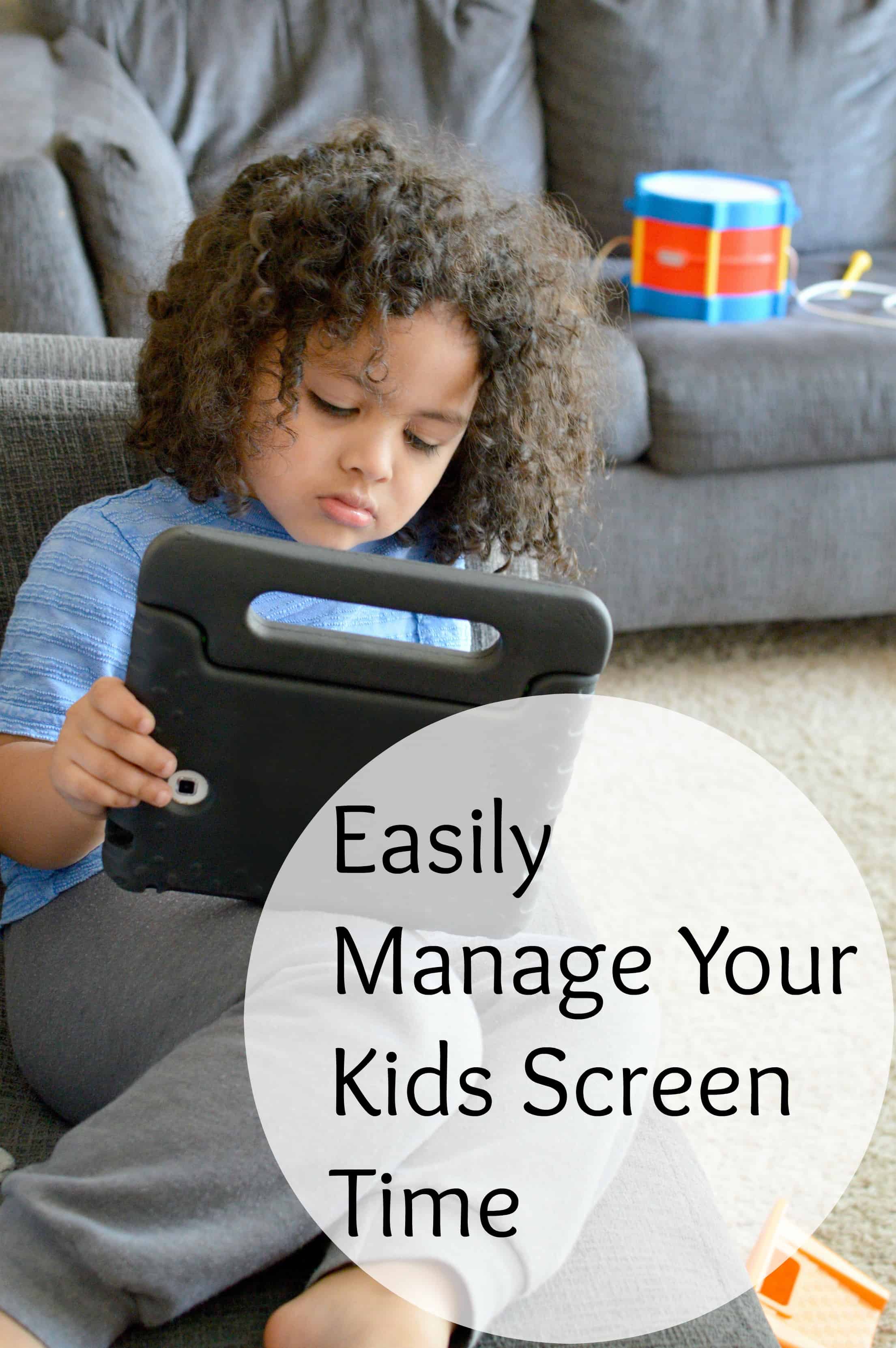
When I was asked to give the Screen Time app a try, I was super excited to see what it had to offer because with school just starting, I think it’s time for me to manage, monitor and create a healthier lifestyle balance at home, not just for the kids but for me too. The Screen Time app allows parents to set time limits for kids’ phones and tablets, including time restrictions for specific apps, to ensure kids don’t spend too much time staring at a screen and instead focus on their homework, extracurriculars and other offline play/activities. I can’t tell you how many times I tell my kids that they can have 30 minutes of tablet time and then they forget about the time. With Screen Time I can now set the time they’re able to use their devices or the option of using the new featured Pause Button (genius). The pause button allows you to instantly pause your kids devices right from your own device allowing you to easily manage your kids screen time.
Easily Manage Your Kids Screen Time
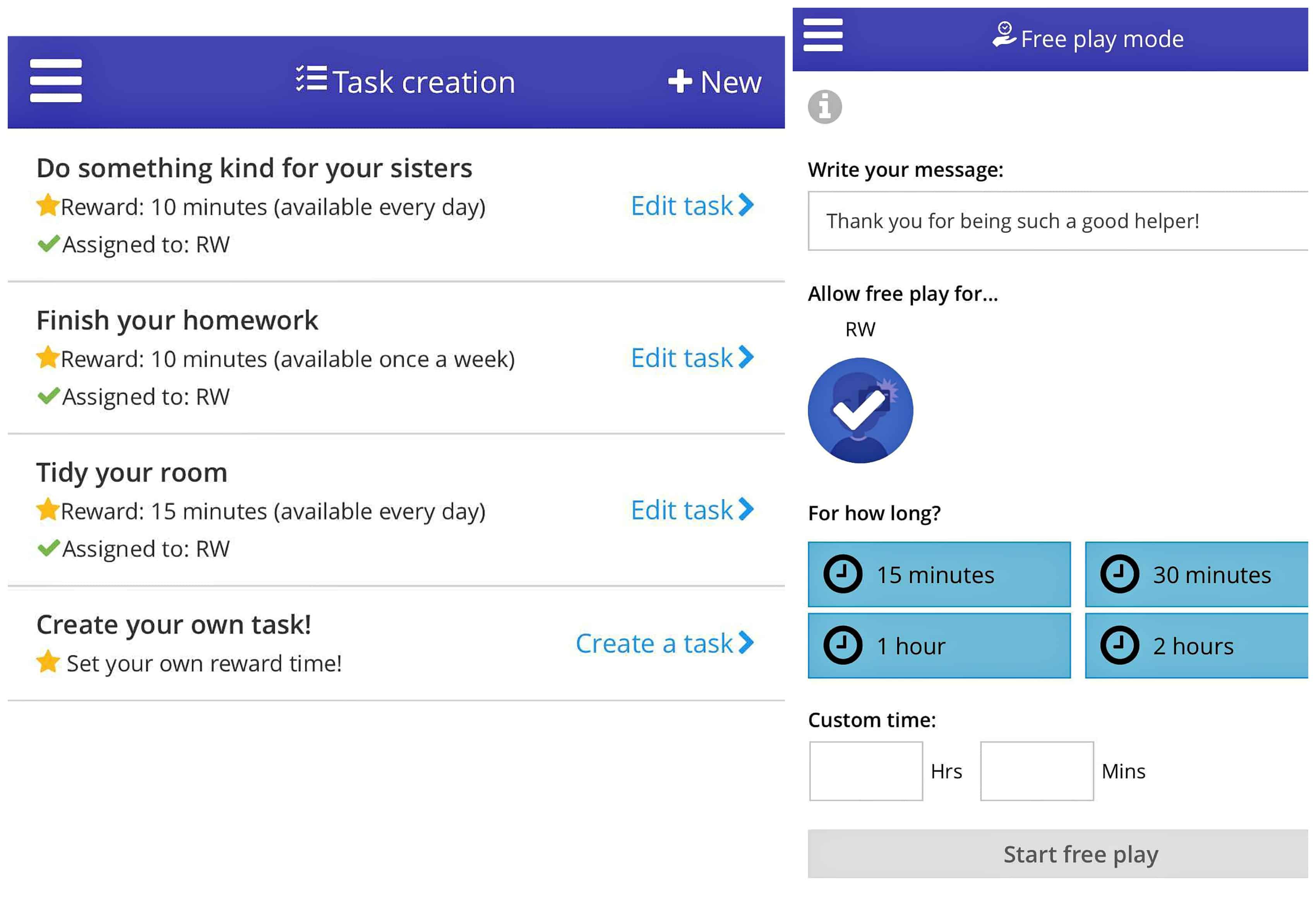
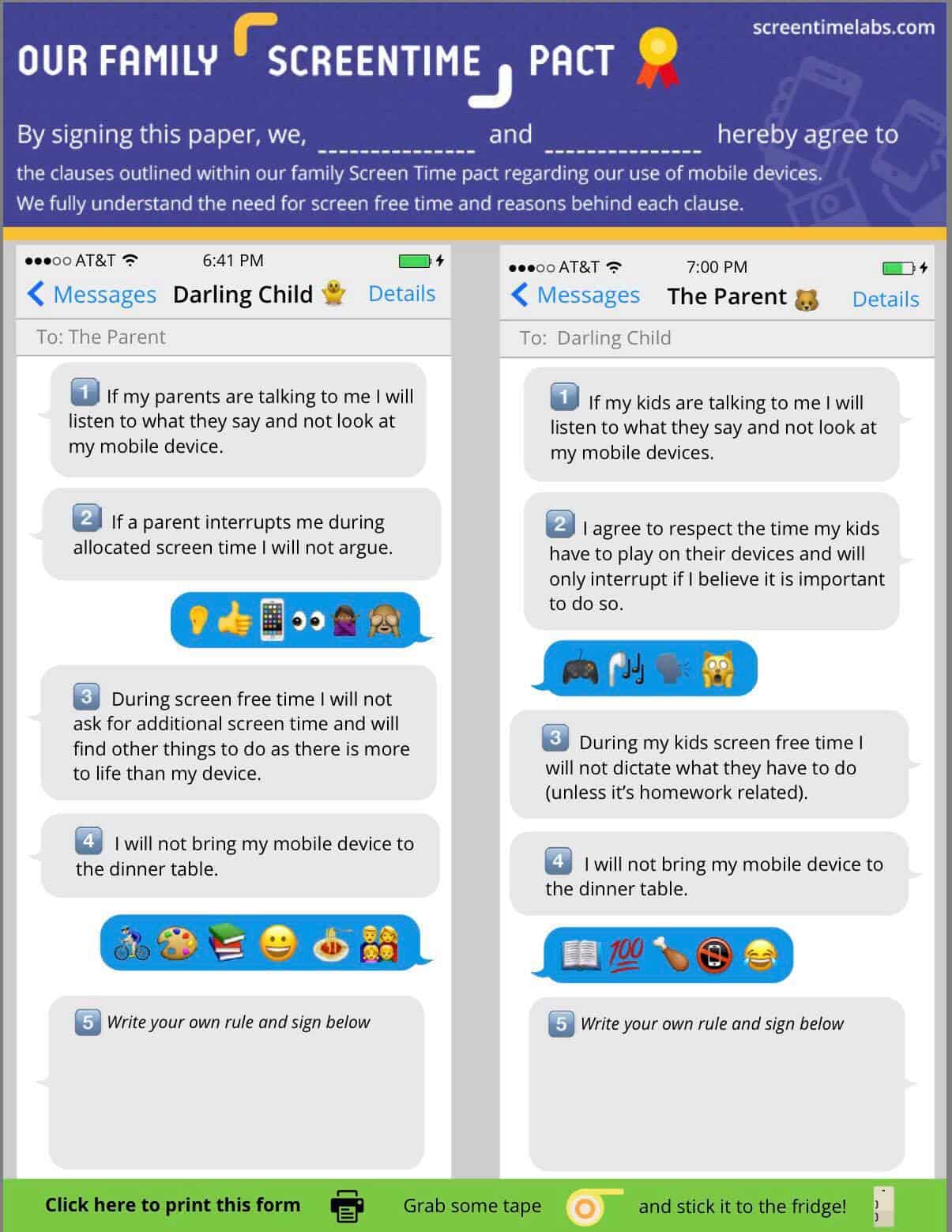
The Screen Time app doesn’t just give you control of your kids devices, it also give you tools to help you have an open conversation about how their lives can be enhanced with technology, that it’s important to not overdo it by having an option of adding tasks where you can add specific task in order for them to b me able to earn more time on their devices. They also have a handy parent-child Screen Time contract (click here to read it) that encourages mutual respect for parents and children to establish what exactly is expected of each of them. I love this idea because I’m a big believer in respect for both the parent and child! Adding tasks to earn more screen time and signing a contract allows the child to see that it’s not about control, it’s about balance. Love that!
Easily Manage Your Kids Screen Time
The Screen Time app helps eliminates the battle of how much screen time is too much and puts the parent in control while giving children the understanding that they have to do what they have to do before they can do what they want to do. That is just brilliant to me!
Want to give the Screen Time app a try? You can download it here and start your free 14 day trial (can only add one child per device) and after that you have the option to pay a yearly fee or pay the monthly $3.99 fee which includes a daily web and app usage report, app blocking, time limits, the option of adding multiple administrators, the new instant pause and much more!

Ooh, I really love this idea! I’ve noticed Stacey’s started to spend more time on her iPad than before so I definitely need to set up something like this 🙂
Louise x
My goals for summer went right down the drain. The kids spent way too much time in front of screens. Need to try this to manage their screen time now that school is back in session.
This summer has been tough when it comes to screen time. My kiddo likes to spend time outside but when we are in the house it is hard to get her to do things away from a screen without a fight.
Oh, I love this idea! Managing screen time is such a challenge in our house.
We are blessed the kids don’t crave screen time. But this app seems really helpful for kids who are struggling giving up their screens
My son is online way too much the only problem is it’s all for school. Our school went digital 4 years ago so all of the son’s school work is online.
This looks fantastic.. right now I set an alarm but with five kids that’s not easy at all. I like that I can manage it all from an app. And it’s adorable!!!